The manual
How to use Decision IQ
Start with today's ordinary choice: the banner rushing you, the friend pushing for yes, the salesperson who wants an answer, or the text you keep reopening. Decision IQ shows what's pulling you. When a big decision lands, ask for the full read.
What Decision IQ is
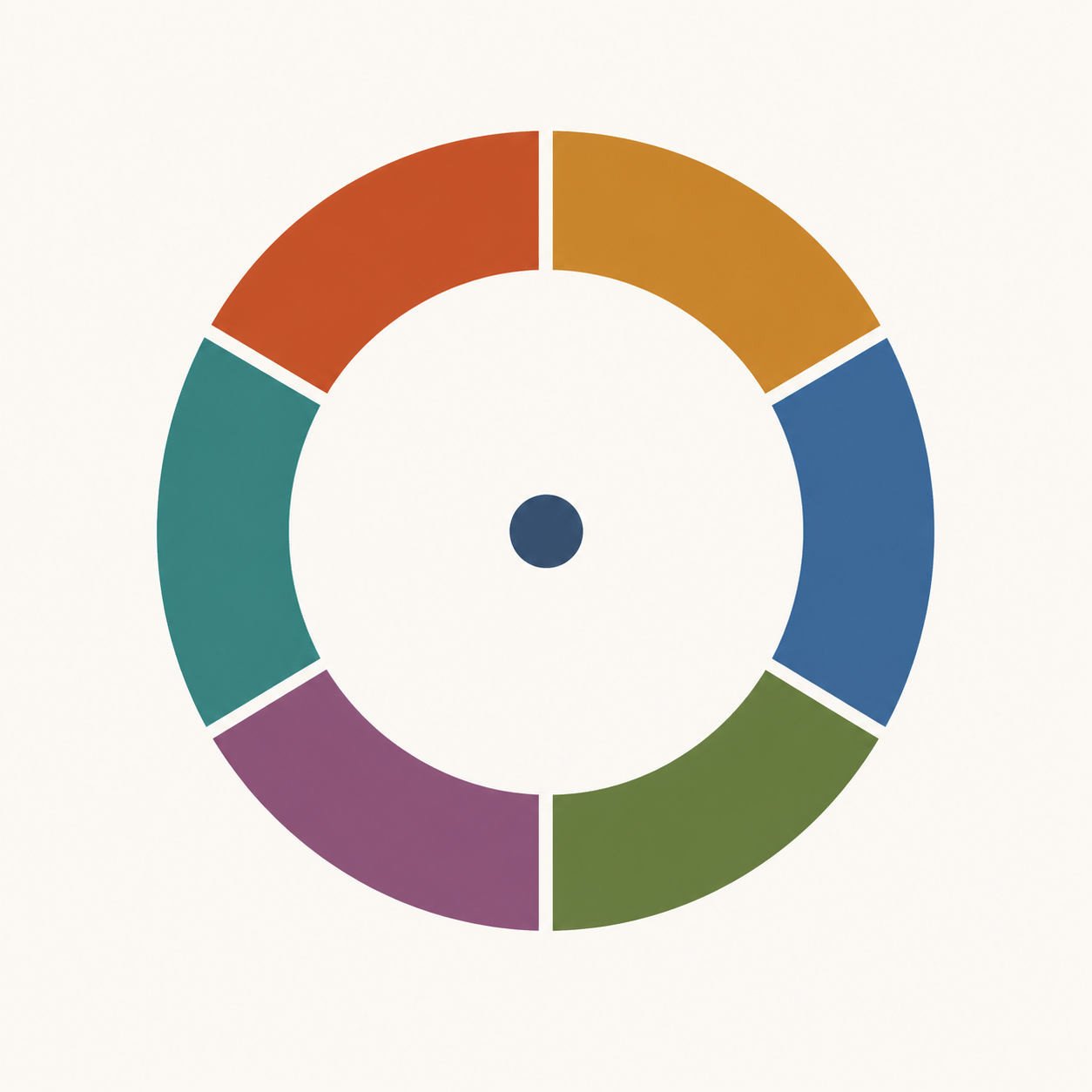
Decision IQ is a chat for choices you make every day: a “last 2 left” banner, a friend pushing you to say yes, a salesperson who wants an answer now, or a text you do not know how to answer. Describe the moment in your own words. It sorts it through six decision systems, tells you which one is carrying the weight, and shows who or what is steering it.
Small checks are the everyday habit. When a job, move, relationship, or major purchase lands, ask for a full read. It is not a quiz, a personality test, or a dashboard. There is one conversation and five buttons.
You are not irrational. You are running six systems at once, and whoever is persuading you is working the one you are not watching.
The six systems
Every decision gets a vote from all six. They rarely agree. Manipulation works by picking the system you are not auditing and pushing there.
| System | What it handles | How it gets worked |
|---|---|---|
| Reptilian | Threat, scarcity, survival, status defence | Deadlines, shrinking supply, fear of loss |
| Mammalian | Belonging, attachment, social pain | Flattery, in-groups, fear of letting people down |
| Rational | Reasoning, comparison, argument | Data dumps, fake precision, complexity you cannot audit |
| Enteric | Neurochemistry and gut-brain state | Hunger, fatigue, stress, timing the ask badly for you |
| Somatic | Procedural memory, trained habit, motor routine | Familiar scripts, one-click paths, defaults |
| Cultural | Norms, identity, what people like you do | Social proof, 'everyone in your position', tribal signals |
None of these is the bad one. Reptilian speed keeps you alive; cultural learning saves you from re-deriving the world. The problem is a system voting loudly on a decision it has no business deciding.
The five moves
After you describe something, the chat offers five things it can do next, written as plain sentences you tap. You can ask for any of them at any point, in your own words, and the sensible next one is highlighted.
- Explain what's driving this — a short read on the six systems as they apply to what you just described.
- Read this situation properly — a real interview about your situation, ending in a Decision IQ score, a per-system breakdown, and how someone would work you.
- Turn it into a plan for the week — a few standing rules, dated actions, one check-in.
- Help me work the plan — asks whether each action happened, and logs what actually occurred.
- Show me my pattern — looks across your decisions for the pattern you keep repeating, using your saved memory.
You do not have to do them in order, but Blueprint needs an Assessment to build on, and Coaching gets more useful the more decisions you have run.
The Decision IQ score
Decision IQ is a directional heuristic centred on 100. It is not a clinical test, not normed against a population, and not a measure of intelligence. It reads how exposed your current decision-making looks across the six systems.
- Around 100 means ordinary exposure — the usual soft spots, nothing alarming.
- Higher means fewer open angles on the decision in front of you.
- Lower means one or more systems are carrying more of the call than they should.
- The useful signal is movement over time, not any single number.
Every figure in the app links to /method, which shows the live thresholds and the exact formula. Nothing here is medical, legal, or financial advice.
Memory and privacy
Decision IQ remembers things so you do not have to re-explain your life every session: durable facts, commitments you made, patterns it has noticed, preferences, and the people involved.
- Nothing is saved silently — memory updates are proposed to you, and you can edit or reject them.
- Open the profile drawer to read, edit, or forget anything it holds.
- A thread can be marked private, which excludes it from pattern-detection.
- Your rows are yours. You can export or delete everything on demand.
- You can start and use the chat anonymously; an account is what lets anything persist.
Environments
An environment is a preset for tone and emphasis. It changes how the Advisor talks to you and which reference material surfaces first. It never changes the scoring or the logic.
| Environment | Pick it when |
|---|---|
| Everyday choices | Something is pulling you to buy, agree, reply, wait, or walk away. |
| Someone is pushing me | There is a person or company applying pressure right now. |
| I want to see my patterns | No emergency; you want to see how you usually decide. |
| Going through a big change | Job, city, relationship, health — the ground is moving. |
It is suggested during setup and editable any time in the profile drawer.
When to use it
- Before you sign, buy, accept, or reply to something that matters.
- When a pitch felt off and you cannot say why.
- When you keep re-deciding the same thing and never settle it.
- After a decision, to log what actually happened — this is what makes Coaching worth anything.
Thirty seconds of describing the situation is usually enough to start. You do not need to write an essay.
What it will not do
- It will not decide for you. It names the mechanics; the call stays yours.
- It is not therapy, legal advice, or financial advice. If you are in that territory it will say so and hand off.
- It will not diagnose anyone else, and it will not tell you a person is manipulating you on their behalf.
- It does not predict outcomes. It reads exposure, not the future.
- It will not flatter you, and it will not moralise at you.
A worked example
Say you type: "I got a job offer. Great title, 15% more money, but they want an answer by Friday and I have not met the team."
- Discovery names the systems in play: reptilian (the Friday deadline), cultural (the title), rational (the 15%, which is the only number you have been given).
- Assessment asks a handful of questions — what happens if you miss Friday, who else you have told, what the last job taught you — and returns a Decision IQ, a per-system breakdown, and the line on how someone would work you here.
- Blueprint gives you the week: ask for a Monday deadline today, request thirty minutes with two team members by Wednesday, write down what would make you say no before you hear their answer.
- Implementation checks in on each of those and records what actually happened.
- Coaching, a few decisions later, points out that you accept artificial deadlines from people whose approval you want.
situation -> Discovery -> Assessment (score + breakdown)
                              |
                              v
                          Blueprint (one week)
                              |
                              v
                       Implementation (log outcomes)
                              |
                              v
                          Coaching (the pattern)
Questions people actually ask
- Do I need an account?
- No, to start. You can type a real situation and get a read straight away. An account is what saves threads, memory, and your score over time.
- Is the Decision IQ score a real IQ?
- No. It is a directional read on decision exposure, centred on 100 and deliberately uncapped at the top. It has nothing to do with intelligence testing.
- Can I delete what it knows about me?
- Yes. Open the profile drawer, forget individual memories or export and delete everything.
- Will it tell me what to do?
- It will end a real decision with one concrete next step and a when. It will not make the call for you.
- Can I browse the whole knowledge base?
- No — and that is deliberate. The reference behind Decision IQ stays private. When a mechanism is relevant to your situation, the Advisor explains that mechanism to you in the chat, in plain language. You get what applies to you, not a catalogue to skim.
Got something on the table right now?
Describe it in a sentence and we'll take it from there.
Open the chat